
- Click on the link provided in the “Approval Needed” email.
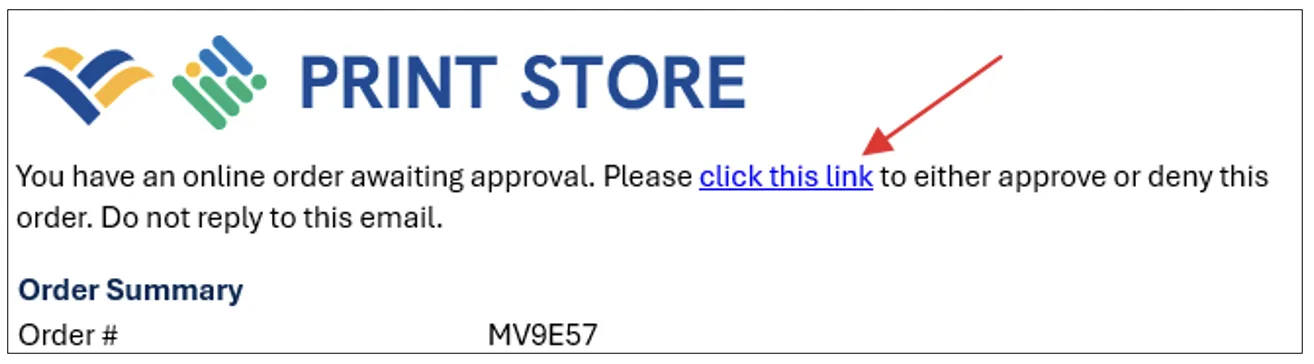
- You will be taken to the order approval page in the Print Store.
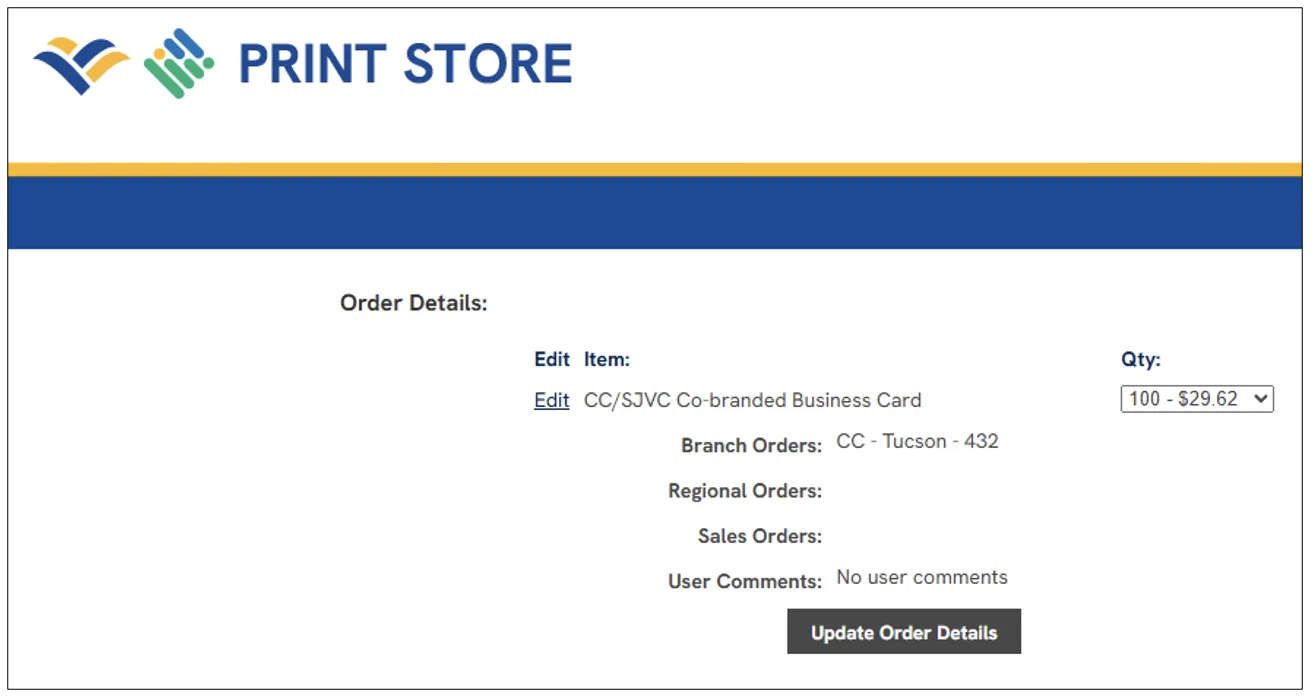
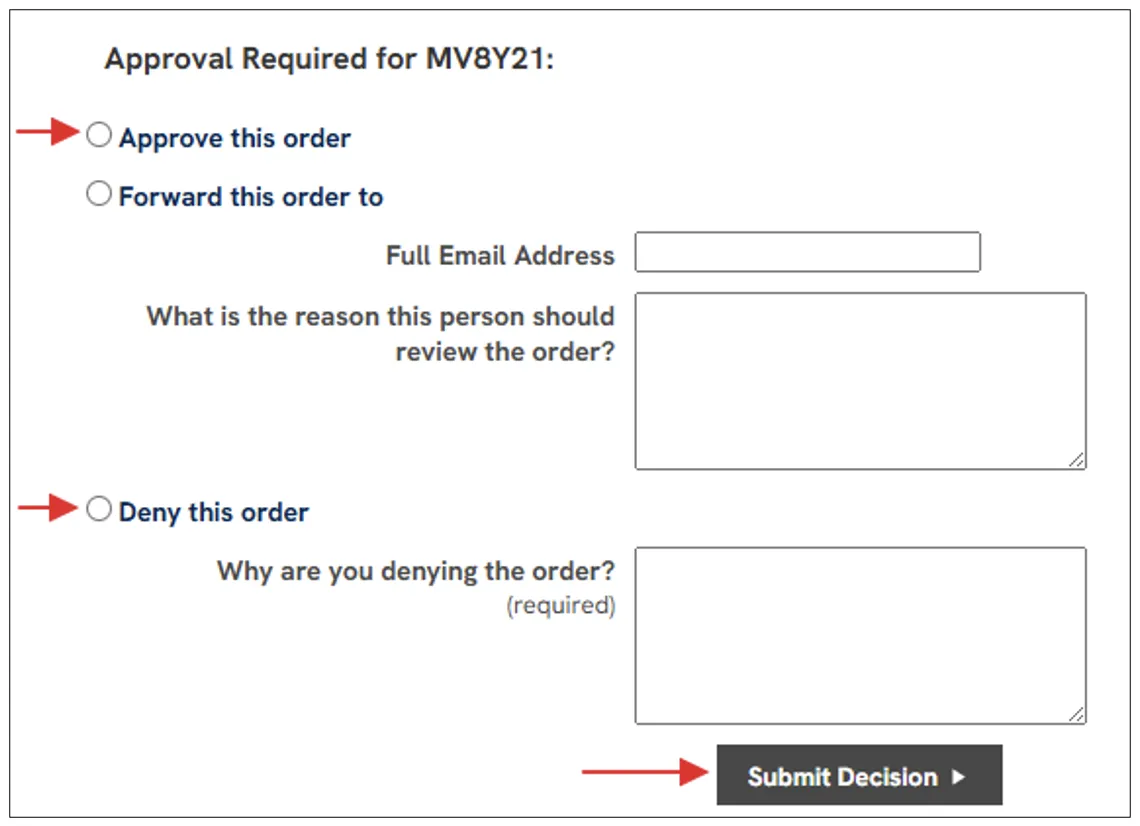
- Scroll down to view the order contents and the approval decision section. Click on the option to either approve or deny the order. A reason is required if denying he order. Once you’ve selected the decision, click the “Submit Decision” button at the bottom of the screen.
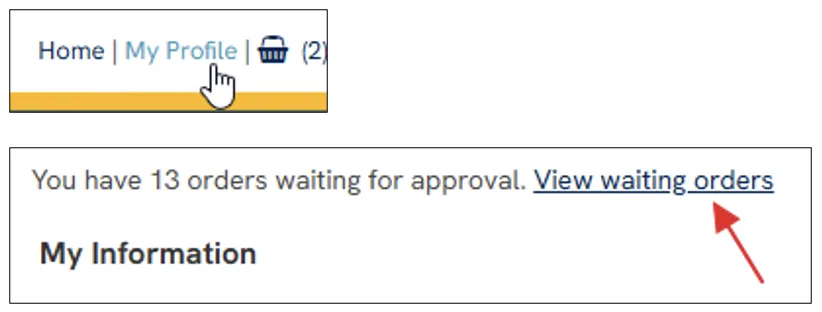
- You can also get to the approval page by logging into the Print Store and clicking on the “My Profile” link at the top right of the screen. You should then see a link above your profile information to click on if you have any orders waiting to be approved.
QUICK DOWNLOADS
Main Menu
COMPLIANCE
Main Menu
HOW TO
Main Menu